
Bundles
Share your best campaigns with your whole team.
You finally have a welcome series that works, a keyword your customers love and a landing page that sells. Now your whole team wants it too! Bundles package campaigns, keywords, templates, emails, landing pages, attachments and voicemail drops into one share code, so another Project Broadcast user can import the whole thing and make it their own.

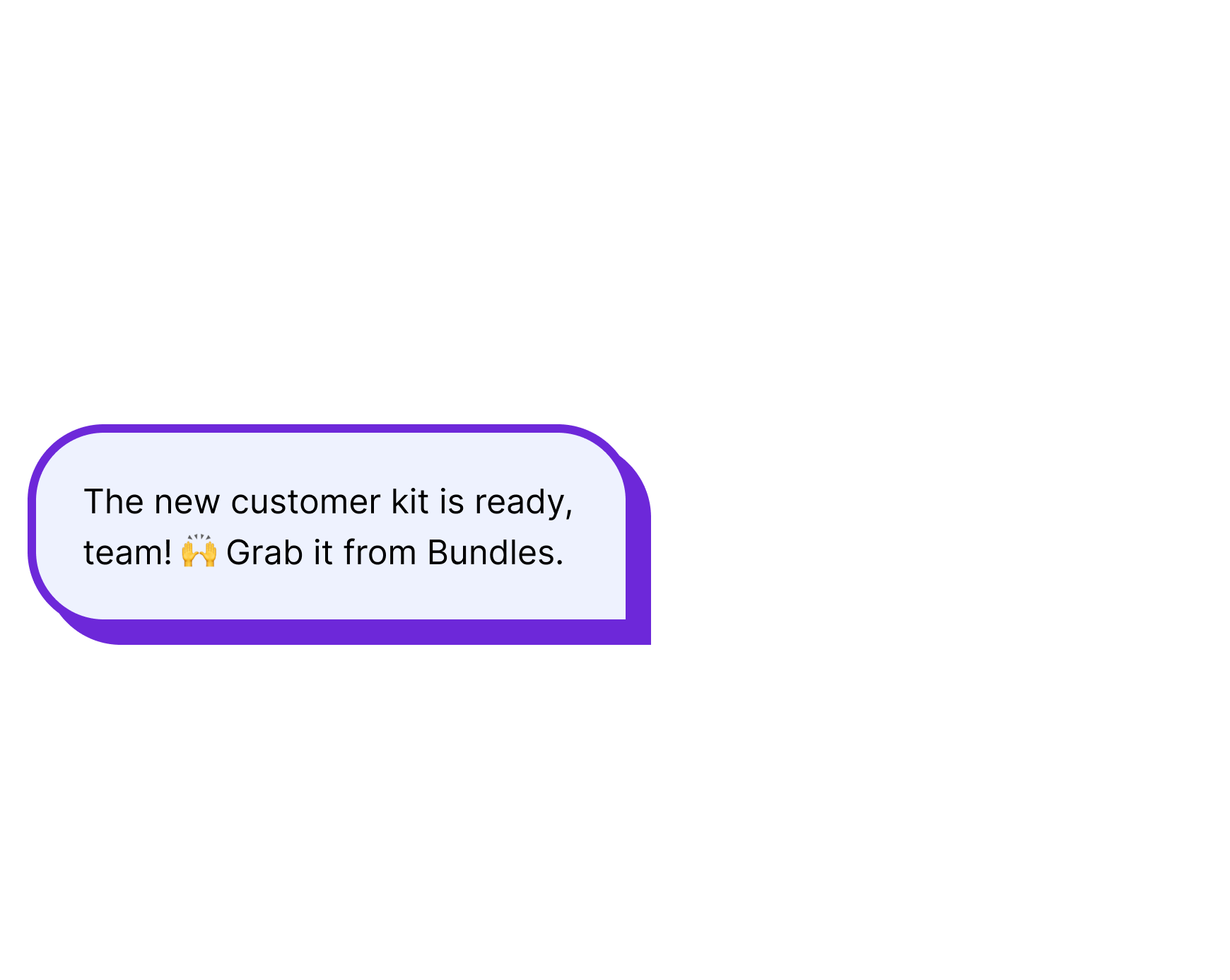
Bundles in use
Get a new teammate texting on day one, start to finish.
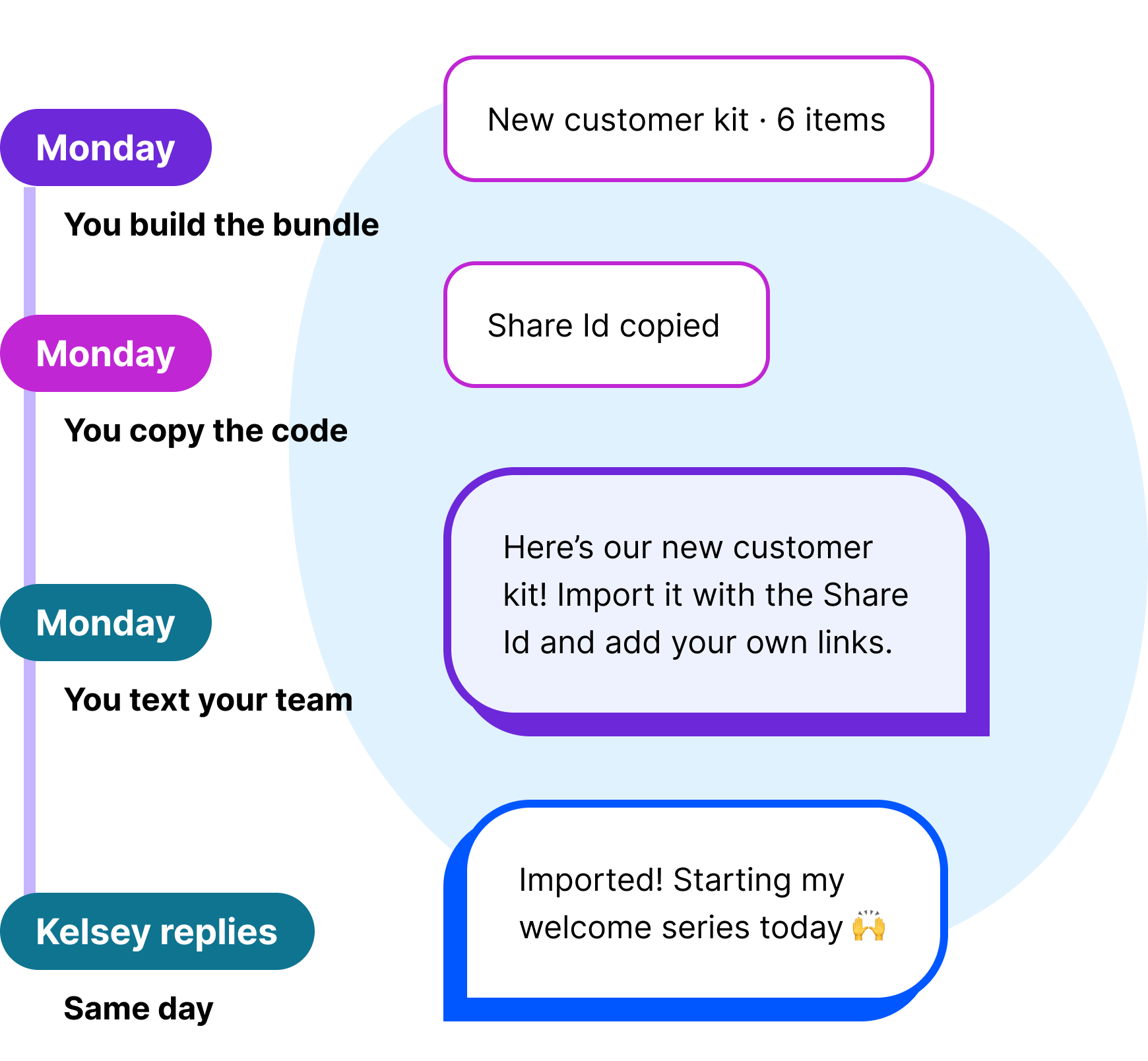
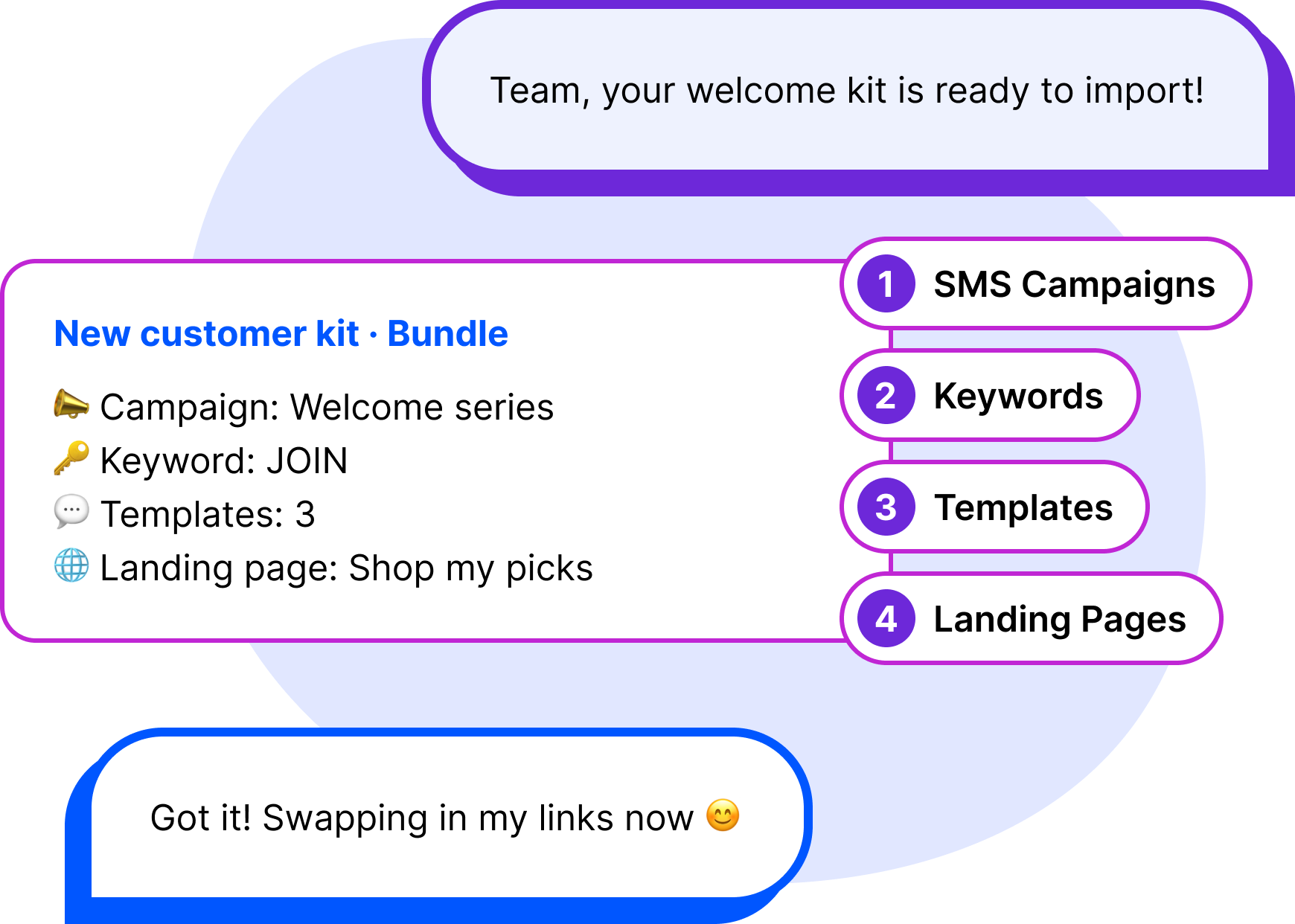
If you lead a team, this is how you stop rebuilding the same setup for every new member. Say you’ve built a new-customer kit: a welcome campaign, a JOIN keyword and a few templates. You add them to a bundle, write a quick note on what to personalize and send the code. Your new teammate imports it, swaps in her name and links, and starts her first welcome series the same day.
How it works
How bundles work.
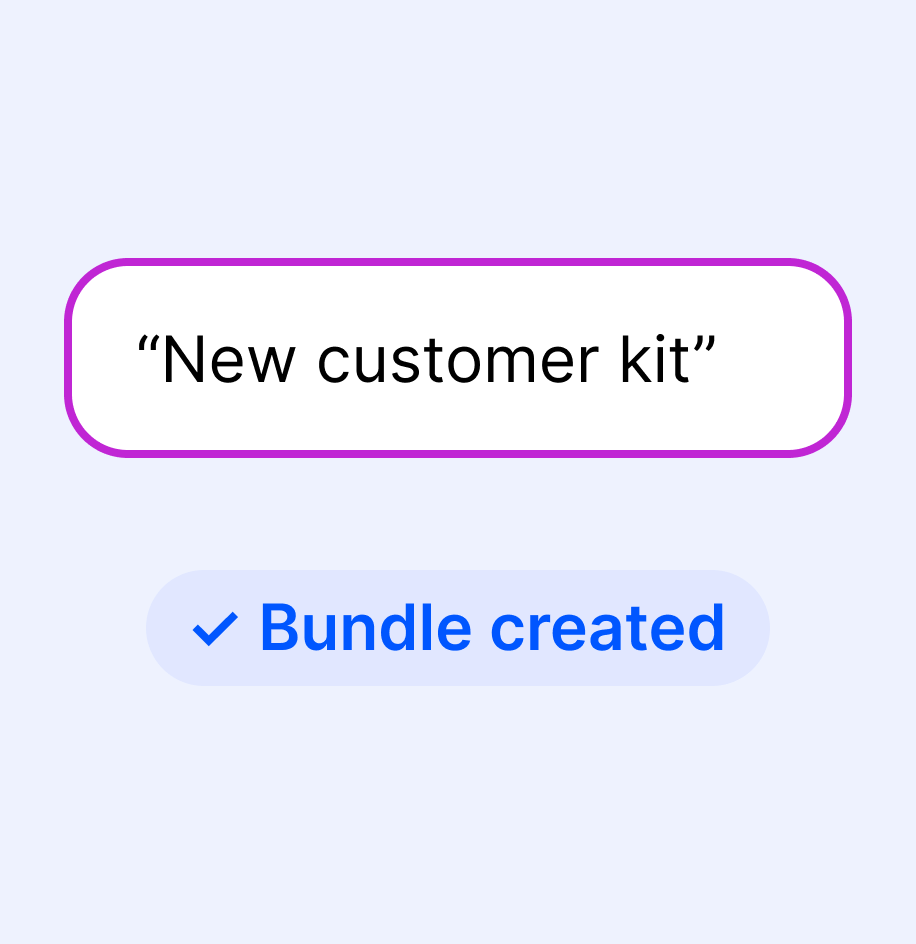
Make a bundle.
Go to Bundles, give it a name and start adding the content you want to share.
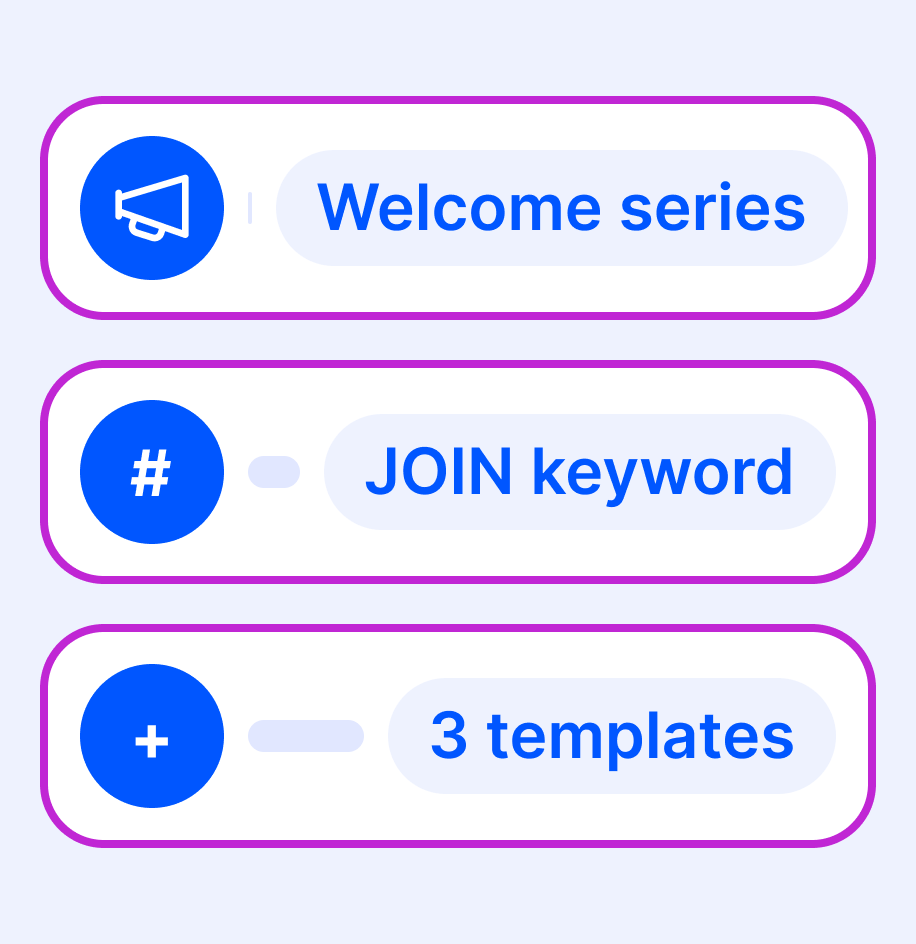
Add the workflow.
Add campaigns with the keywords they use, plus templates, emails, landing pages, attachments and voicemail drops.
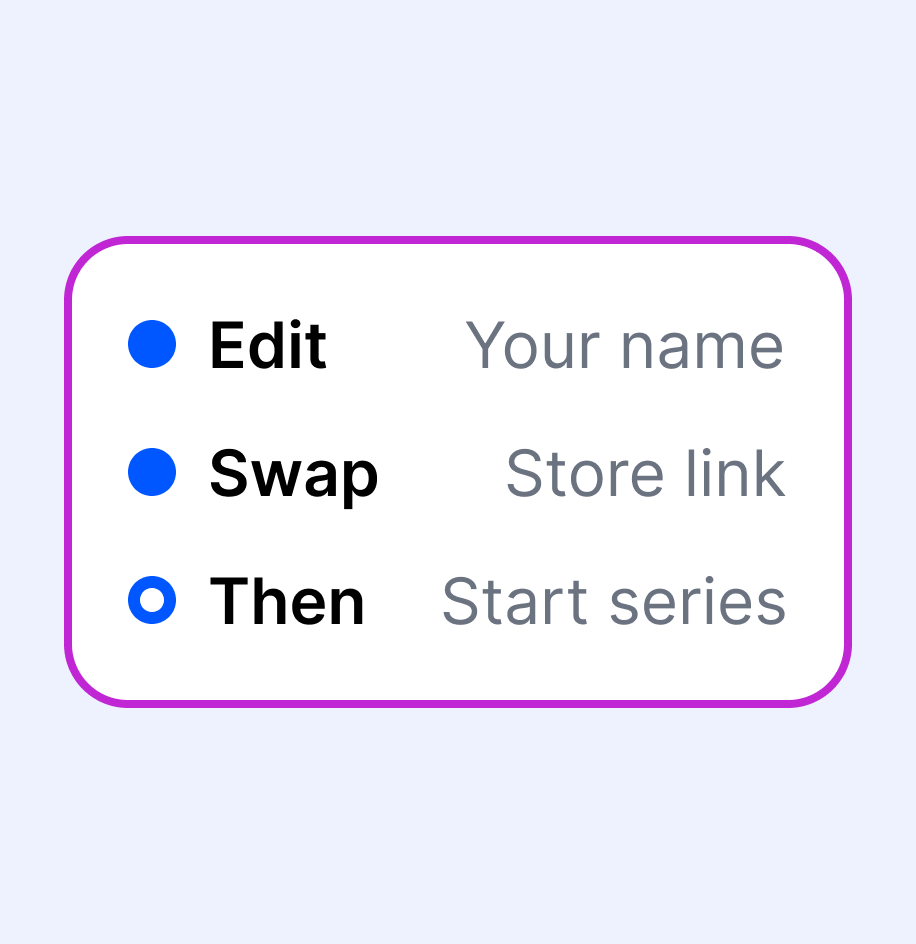
Explain how to use it.
Write a note in Usage on what to personalize. Use user fields like your first name instead of typing it, so each teammate’s own details fill in.
Share the code.
Copy the bundle’s Share Id and send it to another Project Broadcast user.
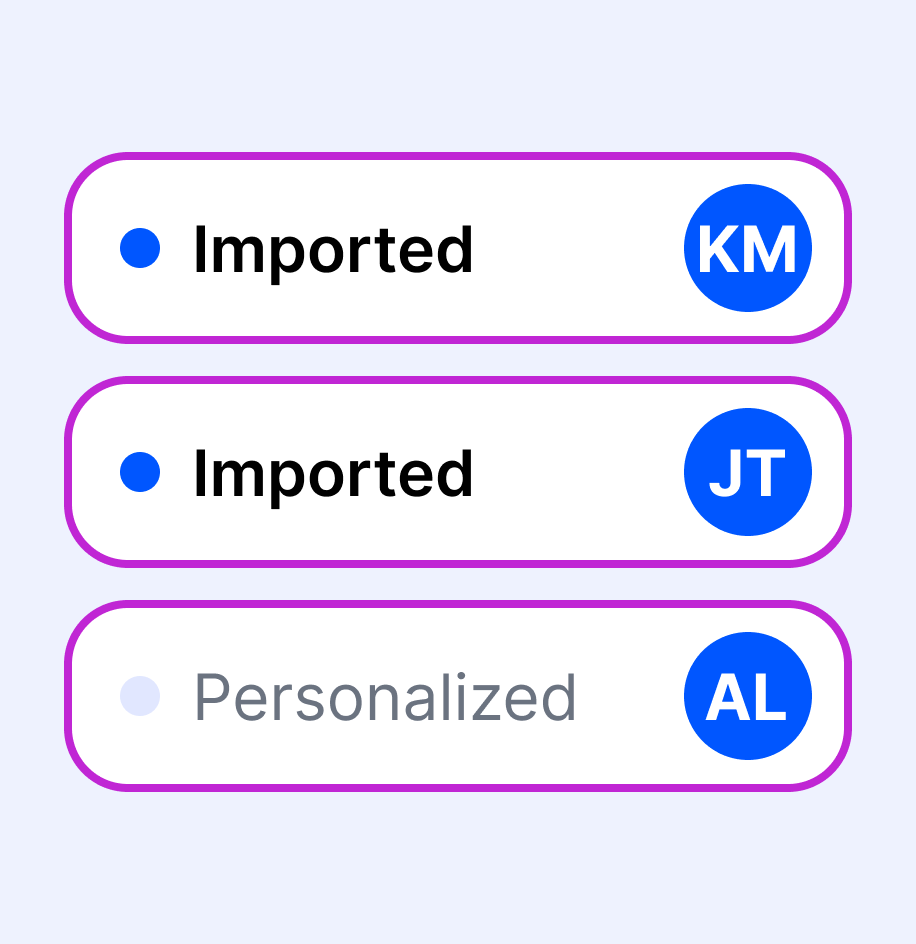
Each copy is theirs.
Imported content belongs to their account to edit. Your later changes don’t sync to their copy, and your contacts are never shared.
Ways to use it
One setup, shared as many times as you need.
If more than one person could use it, bundle it.
See plans
New team members
Hand every new member the same starter kit.
Great for
- Onboarding
- First welcome series

Seasonal promotions
Share a holiday promo with a landing page, email and reminder texts.
Great for
- Holiday sales
- Product launches

Event kits
Package the keyword, form and follow-up for an event.
Great for
- Vendor events
- Parties

Your other accounts
Copy a setup from one of your accounts to another.
Great for
- A second business
- An assistant’s account
Before you use it
A few things to know first.
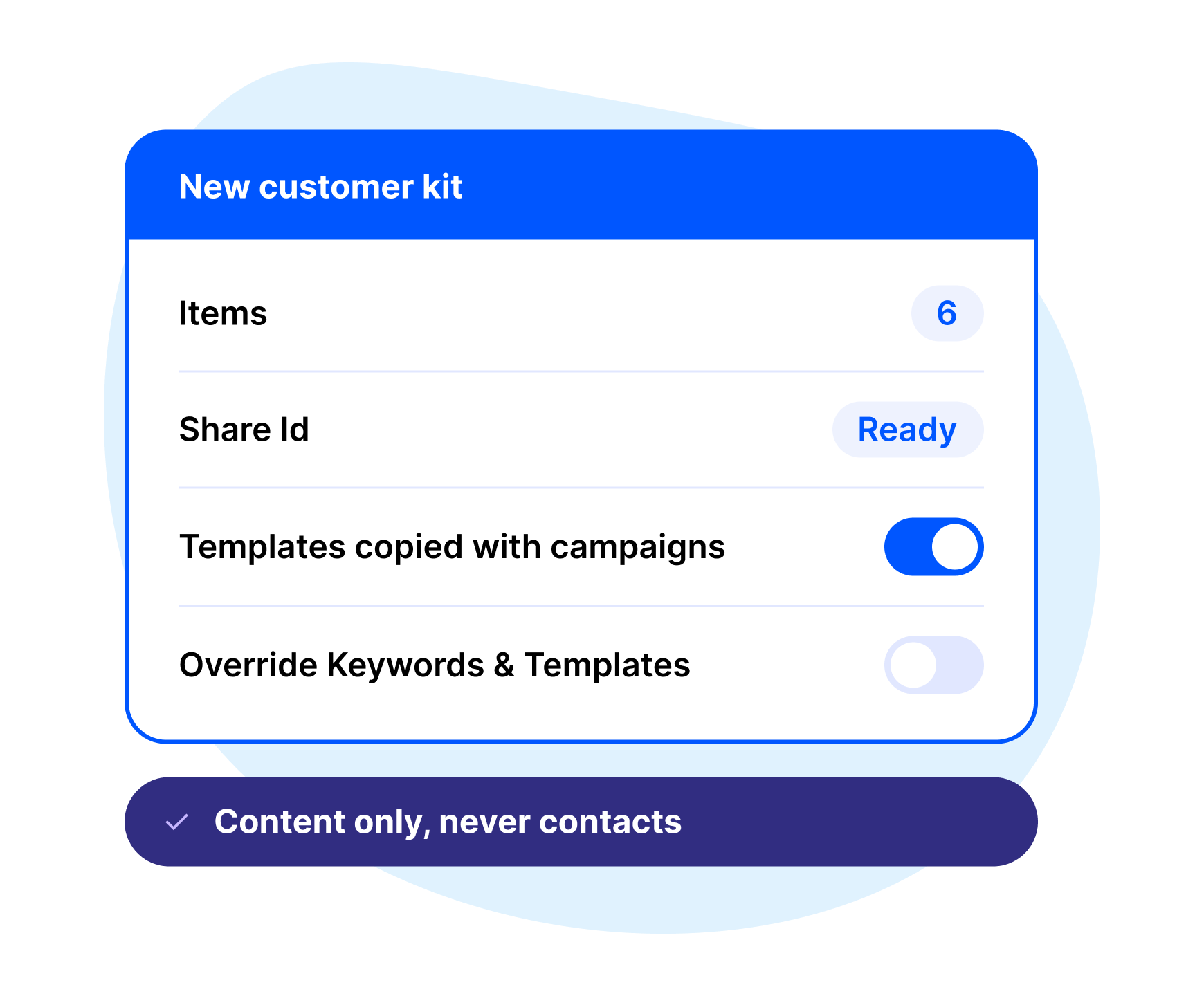
Content only, never contacts
Bundles share content. Your contacts and the people in your campaigns stay in your account.
Copies don’t stay in sync
Once someone imports a bundle, their copy is theirs. Changes you make later don’t reach copies already imported.
Keywords can conflict
If the person importing already uses a keyword in your bundle, the import can be blocked. The Override Keywords & Templates setting replaces their existing content instead, so use it carefully.
Better together
The pieces teams share most.
A bundle is only as good as what’s inside.
Share a whole series.
Bundle SMS Campaigns with the keywords and templates they use.
Include the sign-up.
Add the keyword people text to join.
Share your best replies.
Add the templates you send every day.
Share the page that sells.
Add a landing page your team can rebrand as their own.
Common questions about bundles
Does sharing a bundle share my contacts?
No. Bundles share content only, never your contacts or the people enrolled in your campaigns.
Who can import my bundle?
Any Project Broadcast user you give the Share Id to.
If I update my campaign, does my team get the change?
No. Each imported copy is separate, so later edits don’t sync between accounts.


Share your first bundle
Your best setup, in every account.
Pick the campaign your team asks about most, bundle it with its keywords and templates, and share the code.