
Ringless voicemail
Ringless voicemail, in your own voice.
Some messages land better when people hear you say them... a thank-you, a birthday wish, a quick “Did you see my text?” Record it once, and Project Broadcast drops it straight into your contacts’ voicemail without their phone ever ringing. They listen when it suits them, and you skip the dialing.

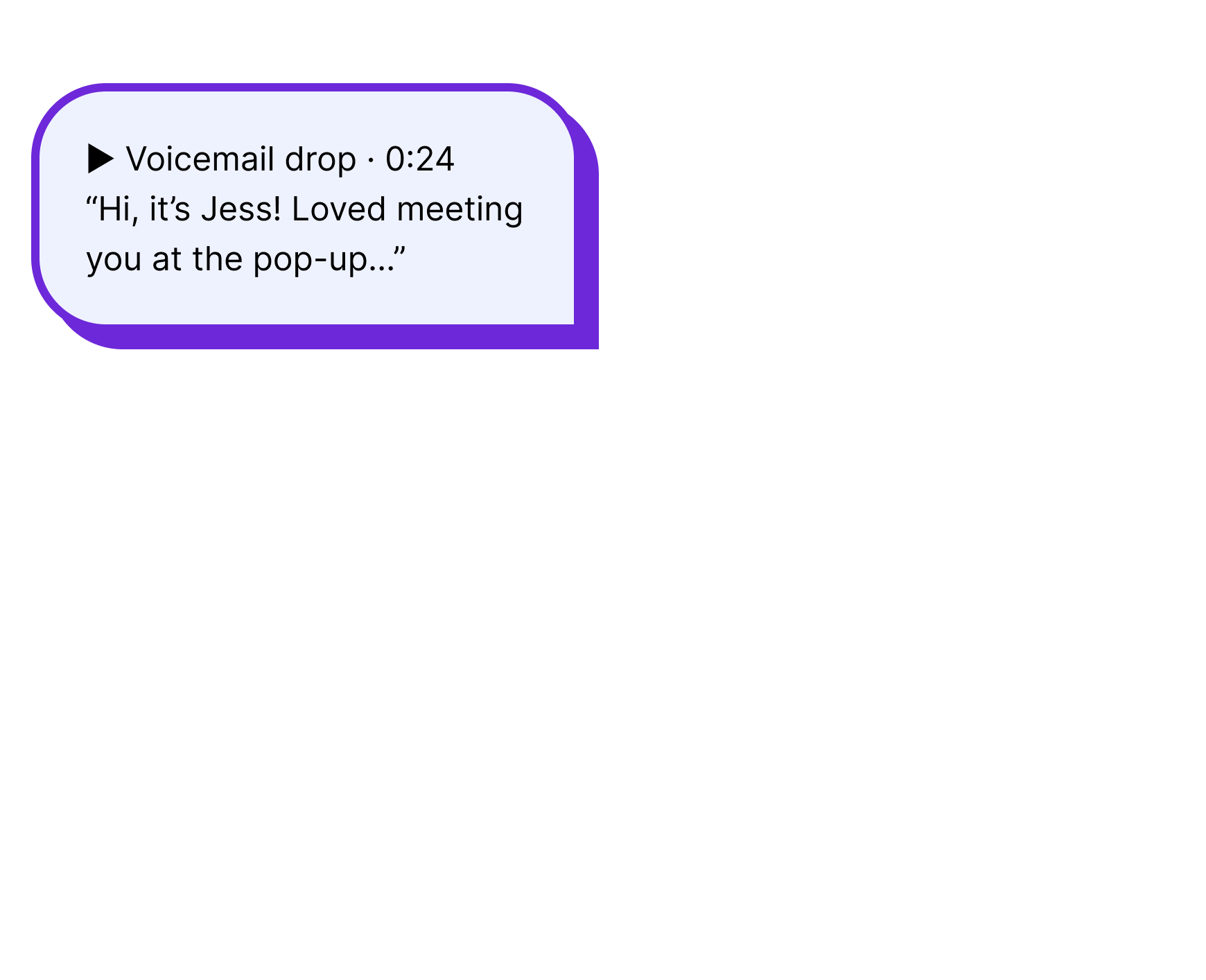
Ringless voicemail in use
Follow up with a new customer, start to finish.
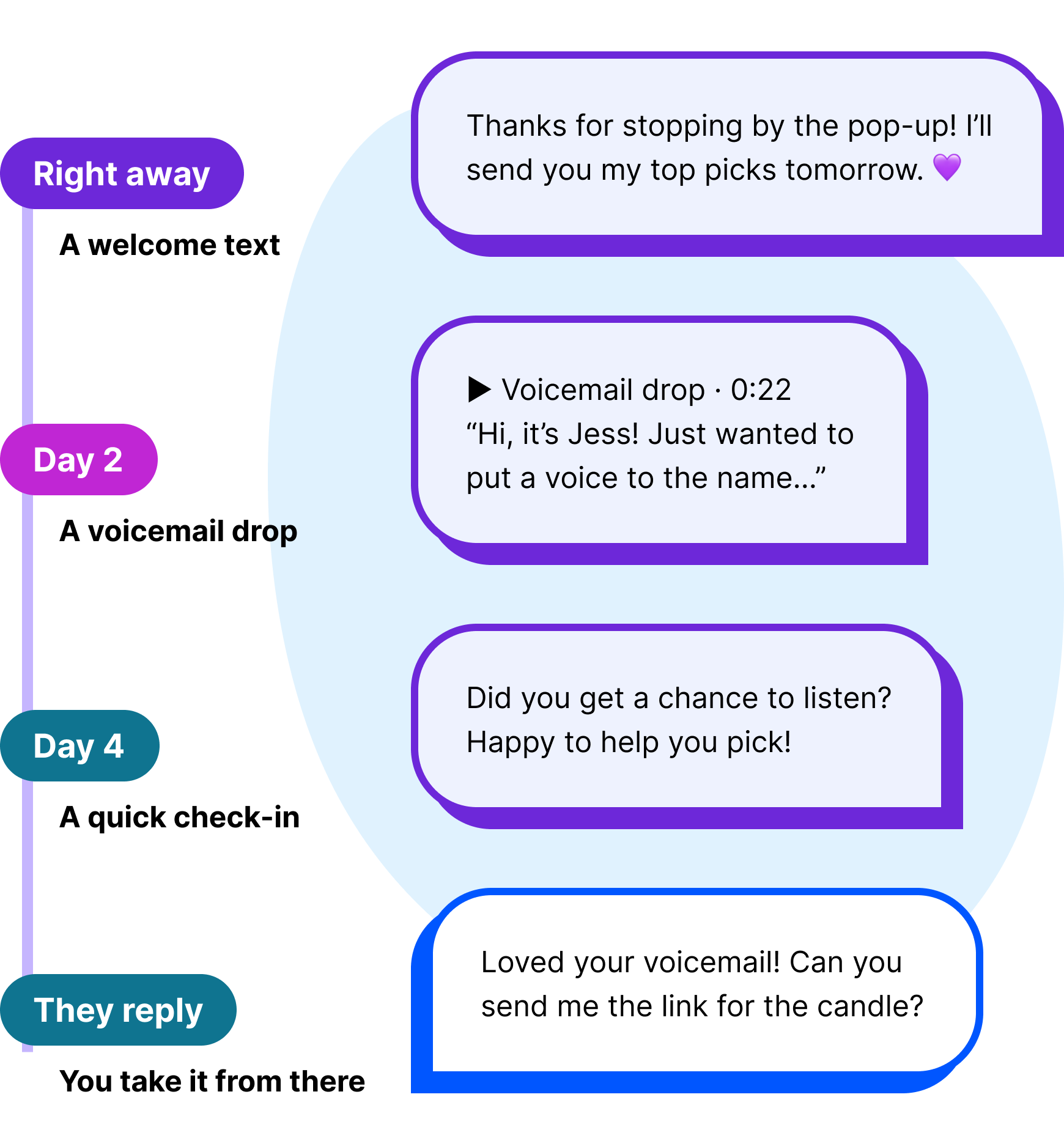
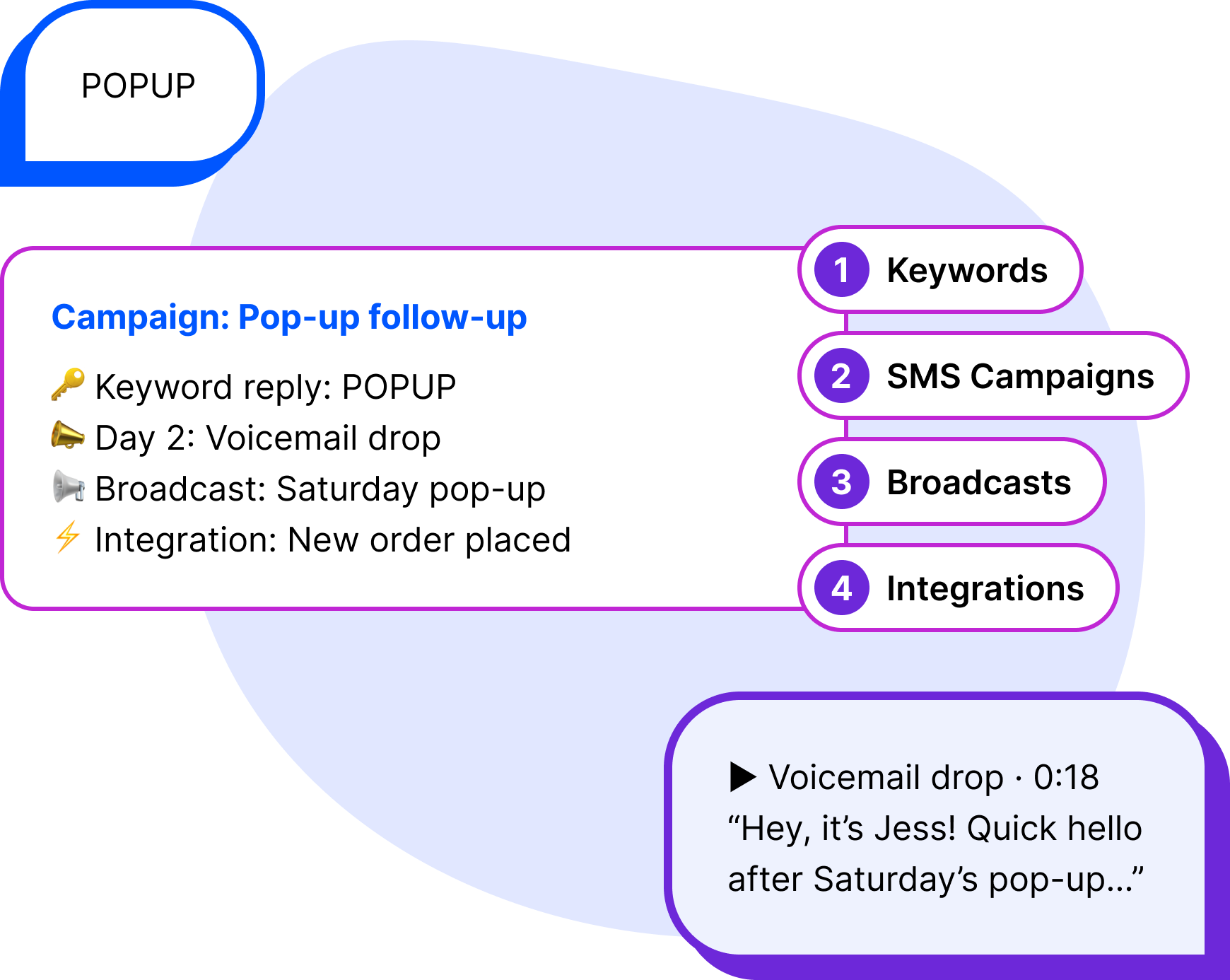
If you meet most of your customers in person, a voicemail helps them remember who you are. Someone stops by your pop-up and joins your list with a keyword. Your welcome text goes out right away. The next day, a short voicemail in your voice follows up, and their phone never rings. When they text back, the series stops and the conversation comes to you.
How it works
How ringless voicemail works.
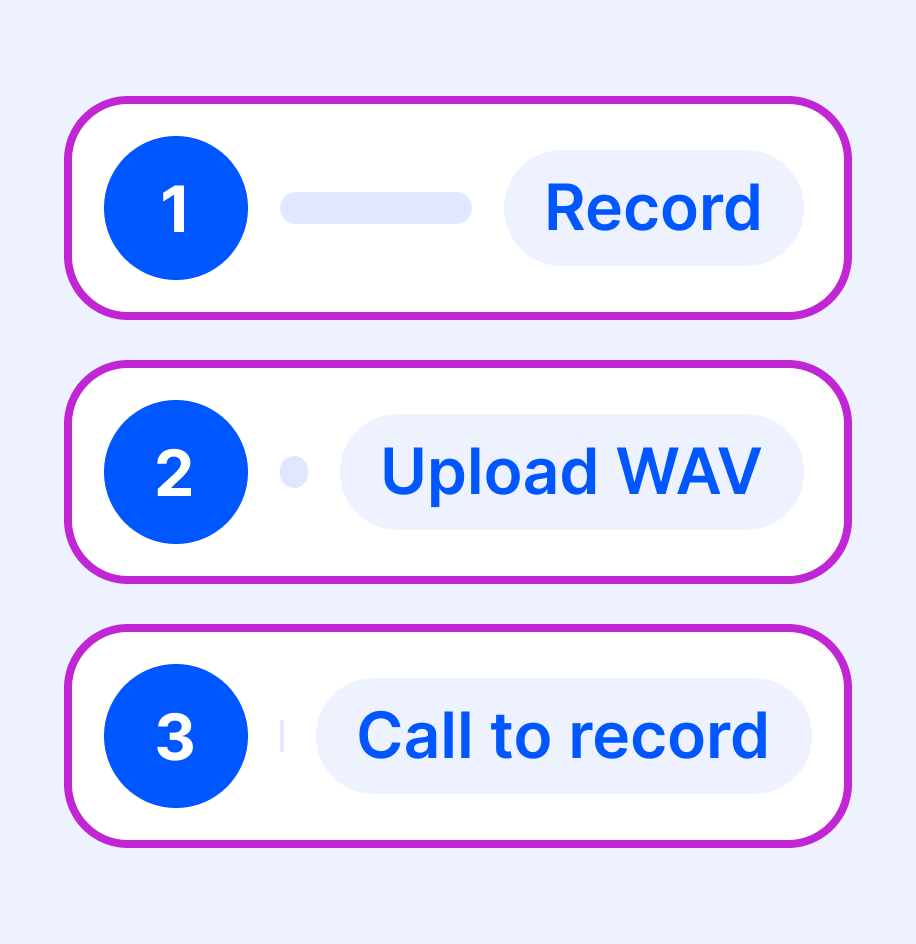
Record your message once.
Record 5 to 60 seconds right in your browser, upload a WAV file, or have Project Broadcast call your phone so you can record it there.
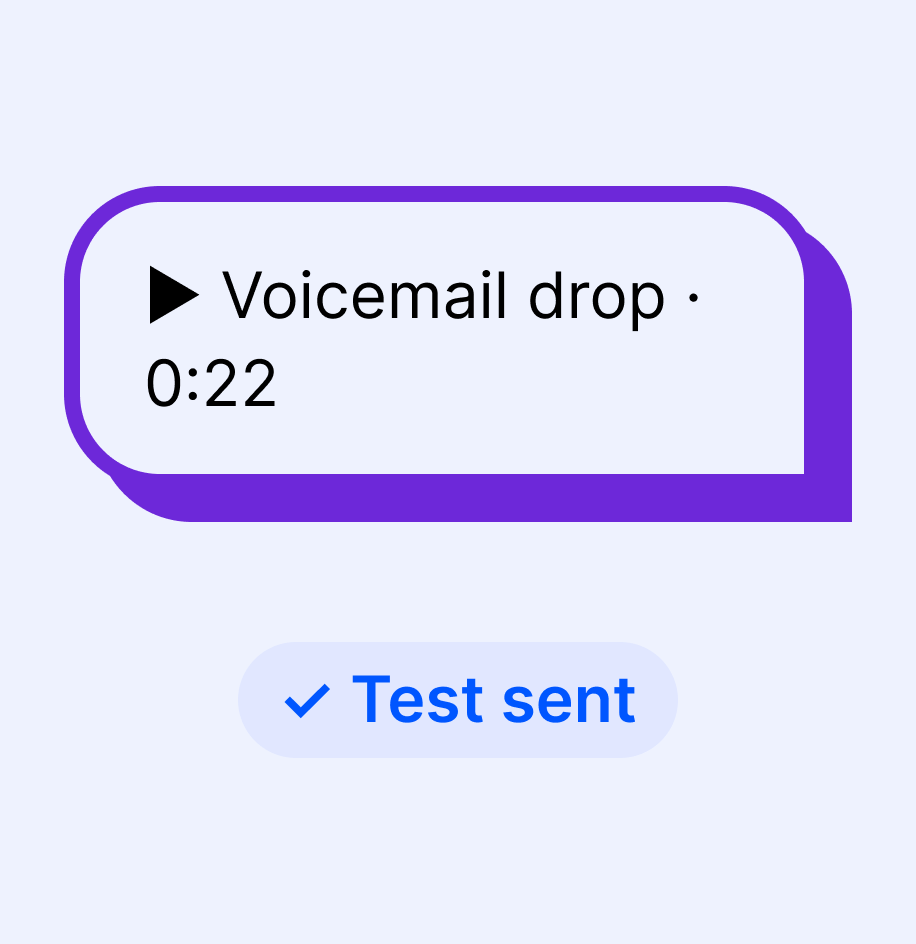
Hear it before it sends.
Send it to up to five test contacts with Test Broadcast to hear exactly what they’ll hear. Tests don’t use credits.
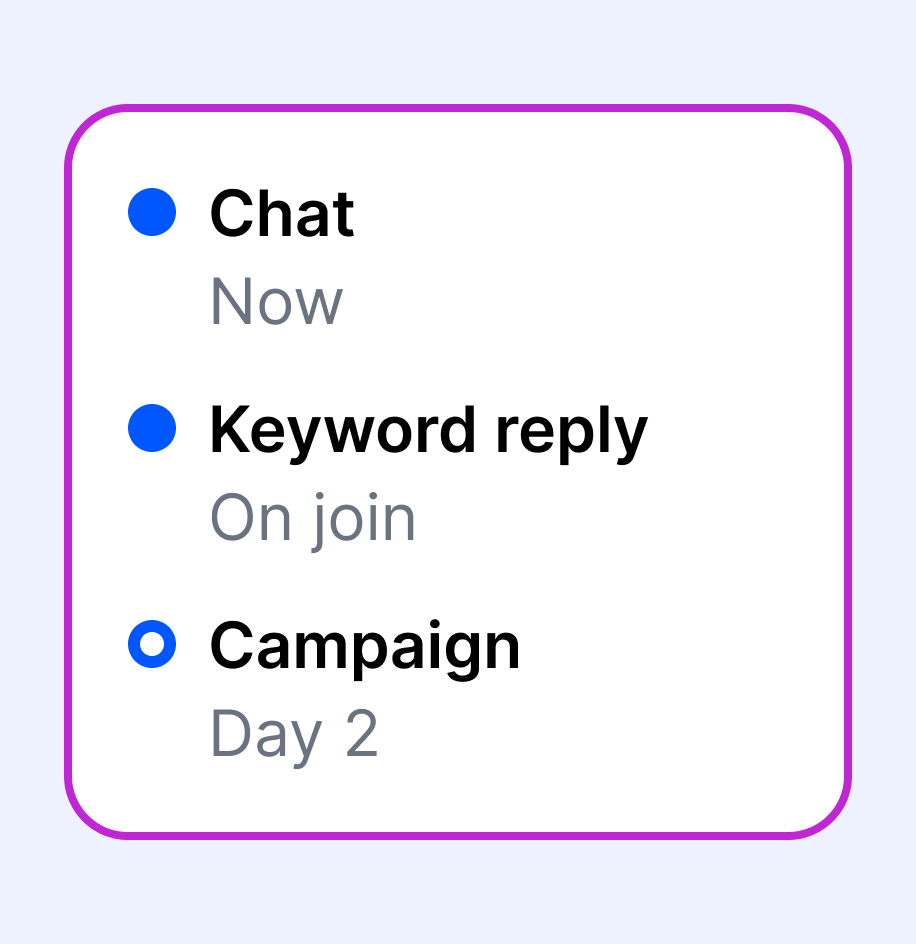
Use it wherever you message.
Add it from the + menu in Chat, a keyword reply, a campaign step or a Broadcast.
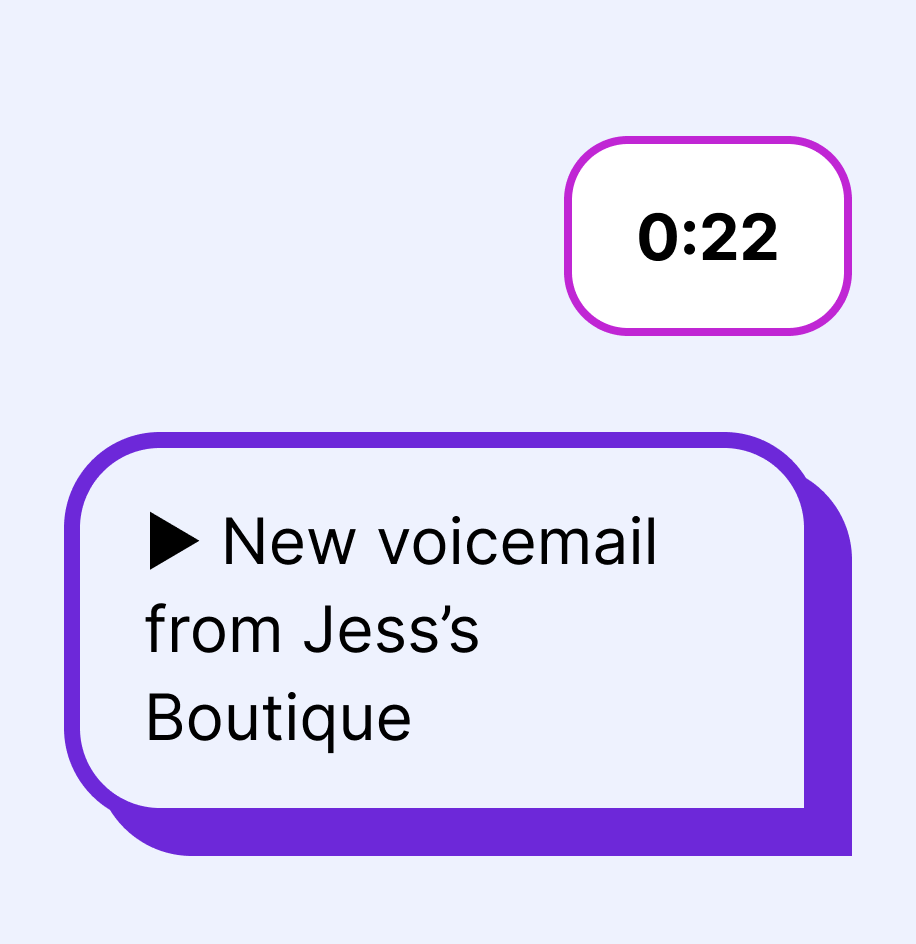
It lands as a real voicemail.
Your recording shows up in their voicemail as if you called and left it yourself. Their phone never rings.
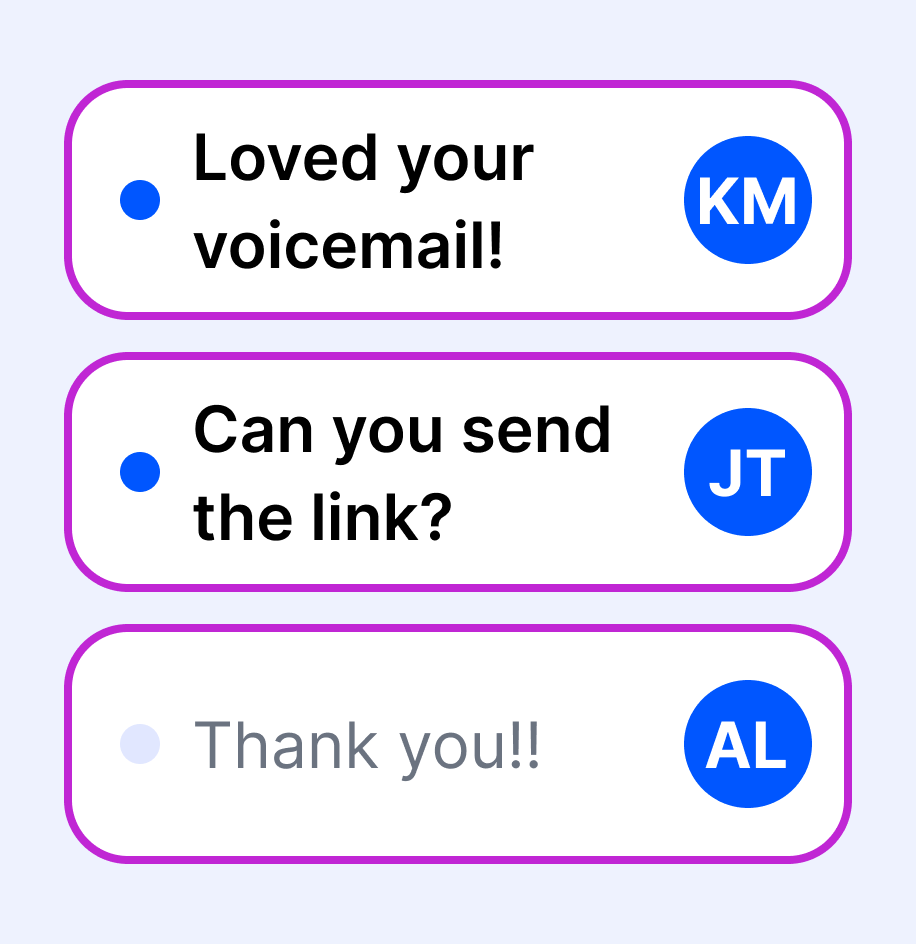
Follow it up with a text.
Put a text right after the drop in the same campaign, so replies come straight to your inbox.
See it in Project Broadcast
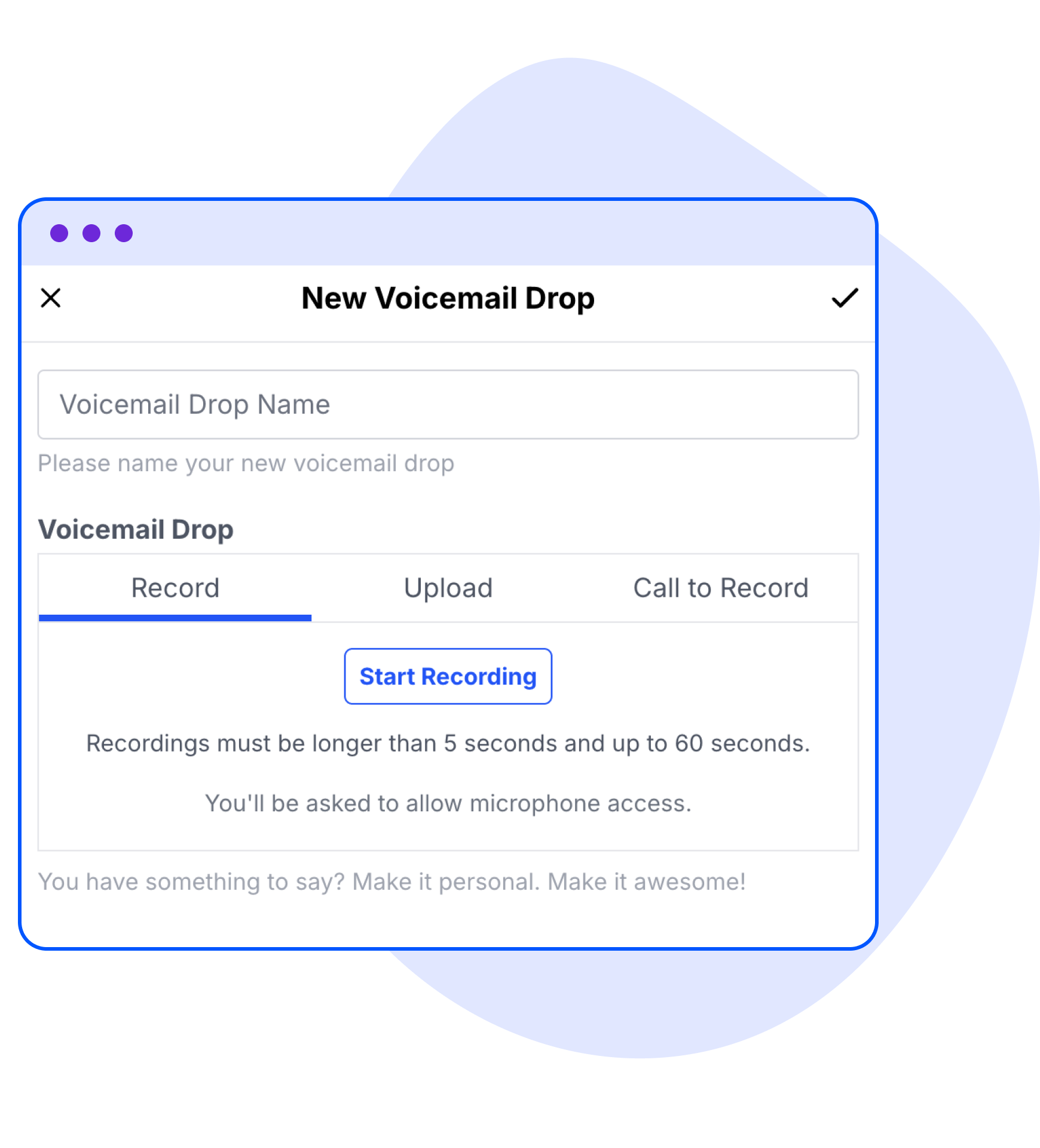
Record it your way.
Record in your browser, upload a file or have Project Broadcast call your phone and record it there. Give it a name... and it’s ready to drop into Chat, keywords, campaigns and broadcasts.
Ways to use it
A voicemail for the moments a text can’t cover.
Record a few general messages you can reuse, then drop them in wherever a personal touch matters.
See plans
Thank-yous
A quick thanks in your voice after someone orders.
Great for
- First orders
- Big orders

Birthdays
Sing it or say it. Either way, they’ll remember it.
Great for
- Customer birthdays
- Team birthdays

Follow-up nudges
A friendly “Did you see my text?” when a text goes unanswered.
Great for
- New leads
- Event invites

Team shout-outs
Congratulate someone on a new rank or a big week.
Great for
- Rank advancements
- Weekly wins
Before you use it
A few things to know first.
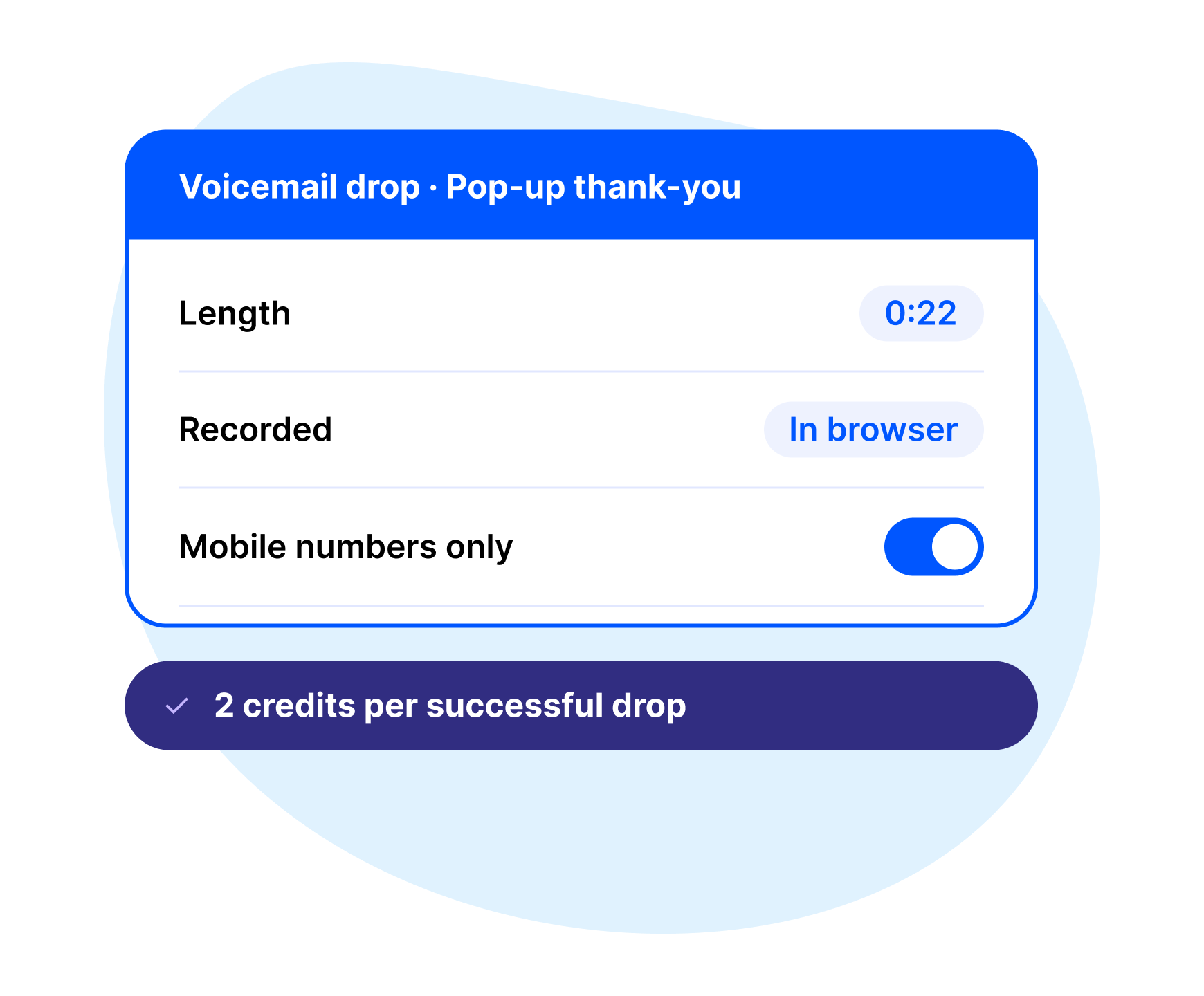
Mobile numbers only
Voicemail drops go to mobile phones, not landlines.
2 credits per drop
Each successful drop uses 2 credits, so a drop to 10 contacts uses 20. If a drop doesn’t go through, you aren’t charged.
Chat drops still use credits
One-to-one texts you send from your Chat inbox don’t use credits, but a voicemail drop sent from Chat still uses its 2 credits.
Permission first
Like texting, send drops only to people who agreed to hear from you. Contacts marked Do Not Message won’t get them.
Better together
A voicemail gets their attention. These keep it going.
A voicemail drop is one personal touch. Pair it with the rest of Project Broadcast and it becomes part of how you follow up... without adding work to your week.
Reply the moment they join.
Set a drop as a keyword reply, so new sign-ups hear from you right away.
Schedule it in a series.
Add a drop as one step in SMS Campaigns, between texts, so it goes out on the day you choose.
Reach a whole group.
Send one drop to a tagged group with Broadcasts, like everyone who came to Saturday’s pop-up.
Send it from your other tools.
Connect the system you sell through, so a drop goes out when someone places an order.
From a Project Broadcast customer
Customers hear the person behind the texts.
Becky uses voicemail drops for birthdays and check-ins, so customers hear a real voice between texts.

Using voicemail drops… I love that feature. Just checking in with someone, they’re hearing your voice.
Common questions about ringless voicemail
Will their phone ring?
No. The voicemail goes straight to their voicemail inbox, and they’ll find it there like any other voicemail.
Can I reuse one recording?
Yes. Record a general message once and use it in Chat, keyword replies, campaigns and Broadcasts. A few general recordings mean you aren’t starting over every time.
Is ringless voicemail included in my plan?
Voicemail drops come with every paid plan. Each successful drop uses 2 credits, so check pricing to pick the plan with the credits you need.


Record your first drop
Say thanks in your own voice this week.
Record one short thank-you, add it to your next follow-up, and let your customers hear the person behind the texts.